IDP Resource Management and Governance
Intelligent Document Processing (IDP) is a technology that uses artificial intelligence to extract and interpret information from documents, including those with complex layouts, tables, and structured content. Unlike traditional text extraction methods, IDP provides advanced document parsing capabilities that help preserve context and improve the accuracy of extracted information.
In Druid, IDP enhances Knowledge Base content extraction by enabling more accurate processing of complex business documents, including CSV, Word, PowerPoint, Excel, and PDF files.
Druid provides a centralized framework for managing Intelligent Document Processing (IDP) resources used to extract content from documents in Knowledge Bases. This enables administrators to maintain consistent document extraction configurations across the platform.
Supported IDP Resources
Druid currently supports Azure and Druid-hosted IDP resources.
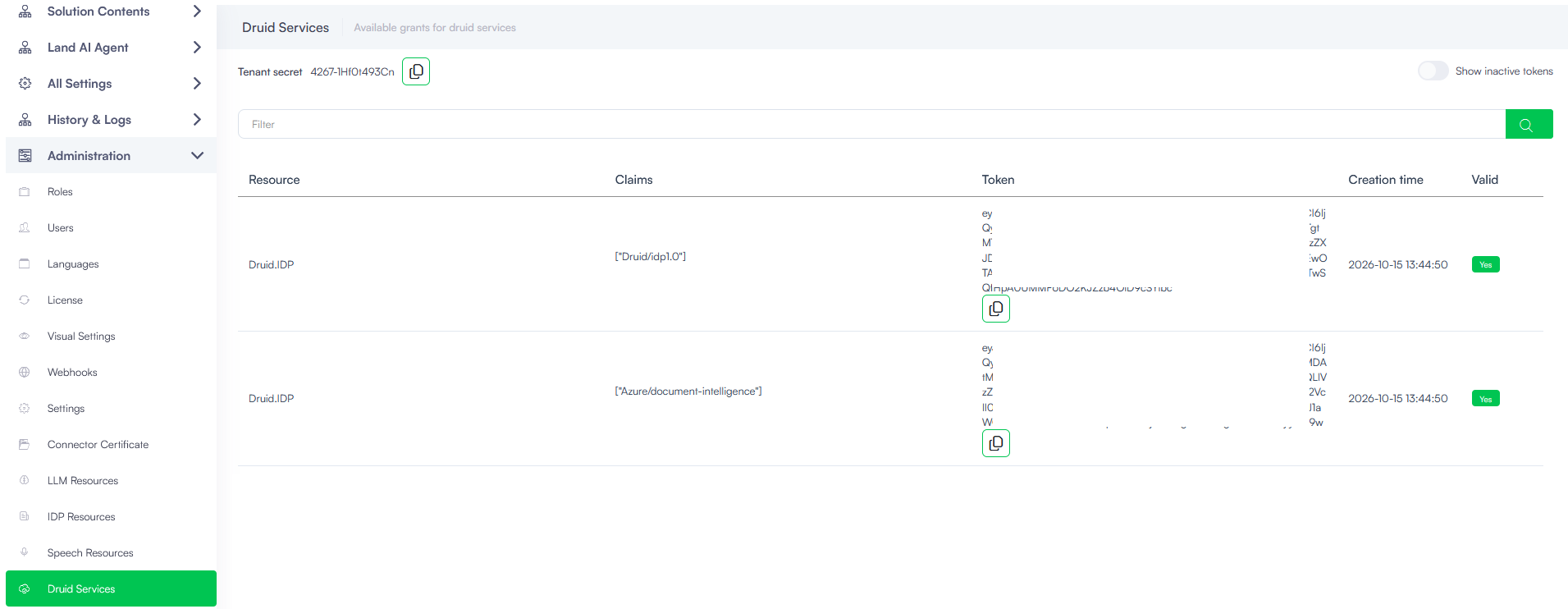
To use Druid-hosted IDP resources, contact your Druid representative to request activation for your tenant. Once activated, the resource credentials, including the claims and token, are available under Administration > Druid Services in the Druid Portal.
Manage IDP Resources
The IDP Resources page provides a centralized view of configured IDP resources, including their client type, model, instance, API URL, activation status, and source.
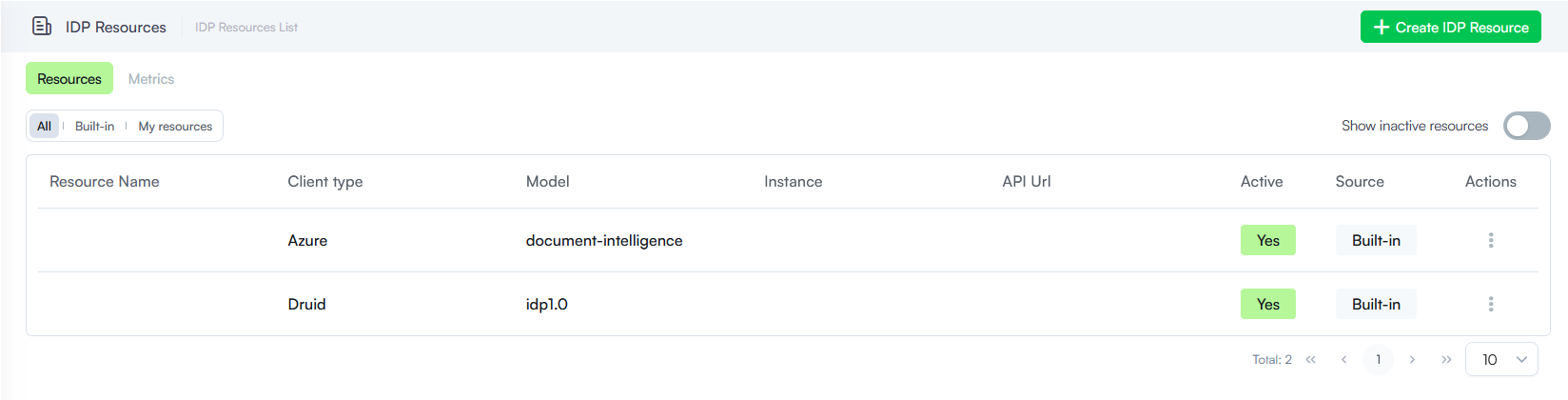
You can filter the resource list using the following tabs:
-
All. Displays all IDP resources.
-
Built-in. Displays the IDP resources provided by Druid.
-
My resources. Displays Azure custom-configured IDP resources.
By default, the list displays active resources. To include inactive resources, enable Show inactive resources.
To manage an existing resource, locate it in the list and use the three-dot menu in the Actions column to access the available management operations. You cannot perform any action on the built-in resources.
Add IDP Resources
To establish a governed connection to an IDP provider, follow these steps:
In the Druid Portal, go to Administration > IDP Resources.
- On the IDP Resources page, click Create IDP Resource. The IDP Resource Details modal appears.
- Configure the resource details:
- Client type: Select Azure.
- Model: the document-intelligence model is selected by default.
- Instance: Optionally, specify the instance associated with the IDP resource.
- Resource Name: Enter a descriptive name to identify the resource.
- API Url: Enter the API endpoint URL for the selected IDP provider.
- Disable Ssl Validation: Specifies whether SSL certificate validation is disabled for the connection. Keep this set to No. Only change this to Yes if explicitly instructed by your internal IT support team.
- If additional configuration parameters are required, click the + icon in the Parameter section and enter the parameter name and corresponding value. Repeat this step for each additional parameter.
- Select the Active checkbox to enable the resource and make it available for use.
- Click Save & Close.
The new IDP resource appears in the IDP Resources page both under All and My resources tabs.
Using IDP Resources in Knowledge Bases
Once an IDP resource is configured and active, you can use the IDP extractor when configuring file extraction for the Knowledge Base.
The IDP extractor is particularly useful for documents containing complex layouts or structured content that require more advanced parsing than standard text extraction.